How it works
Find repos
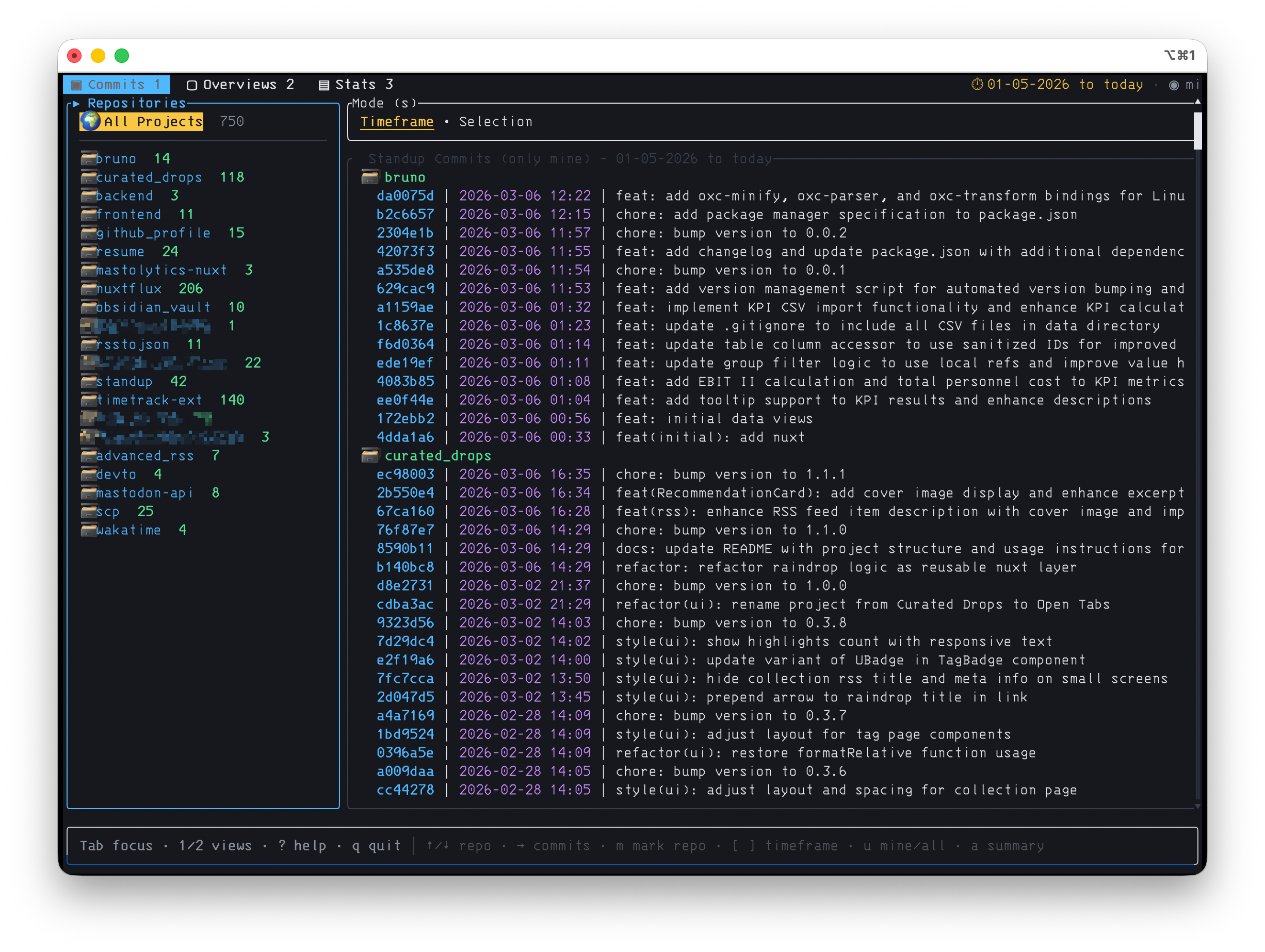
Scans every Git repo below the current folder and lists their recent commits side by side.
Group commits
Sorts commits by day and topic over your chosen timeframe — today, week, month, or a date range.
Ask the AI
Sends the selection to Gemini (or any OpenAI-compatible model) and gets back a readable standup.
Copy & paste
One keypress copies the summary to your clipboard. Paste it straight into your standup.
What it does
AI summaries
Turns raw commits into a coherent standup, grouped by day and topic.
Multi-repo
Reads many repositories at once, no per-project setup.
Saved overviews
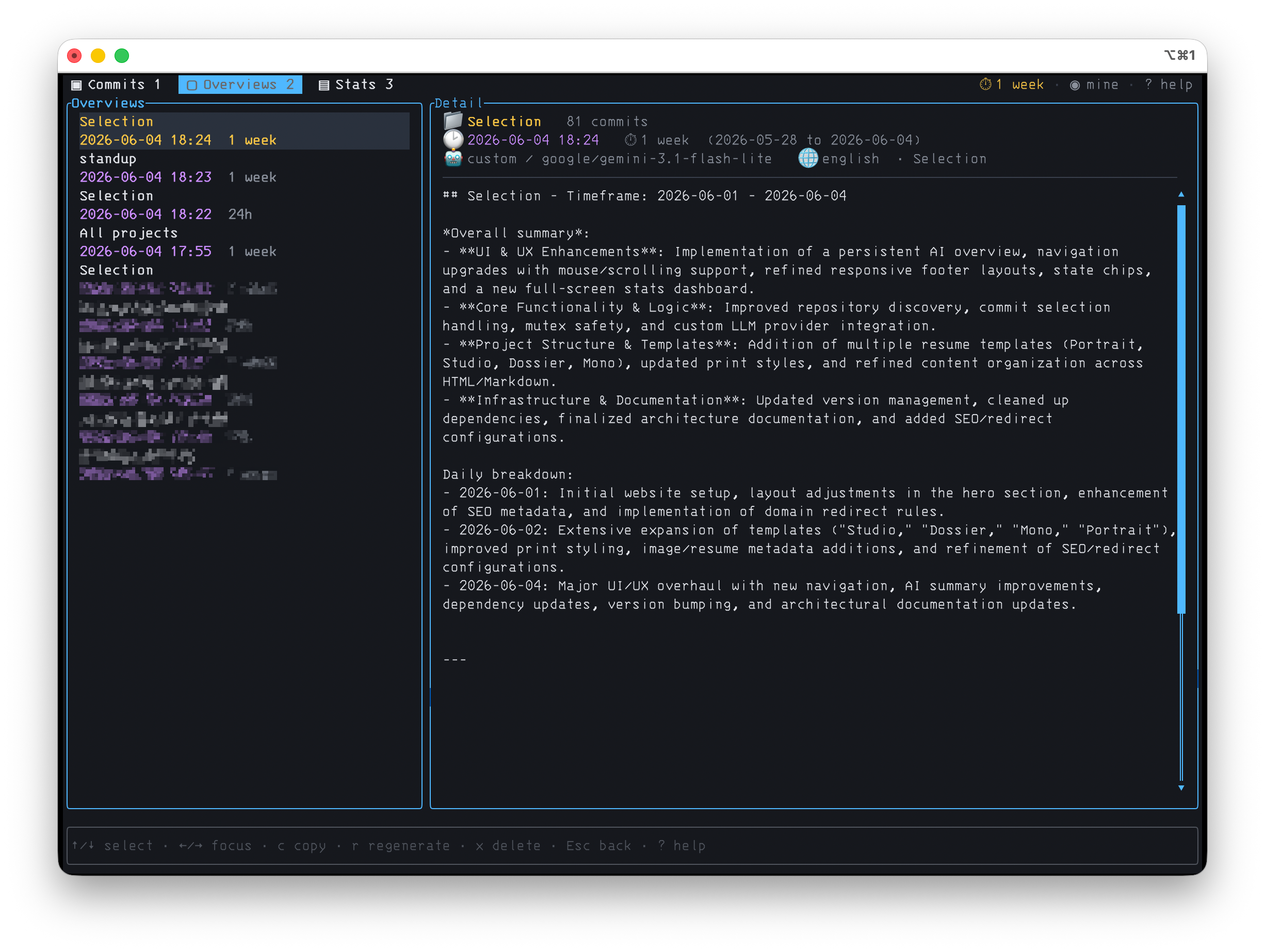
Summaries persist to disk — browse, copy, regenerate or delete past ones.
Mark & summarize
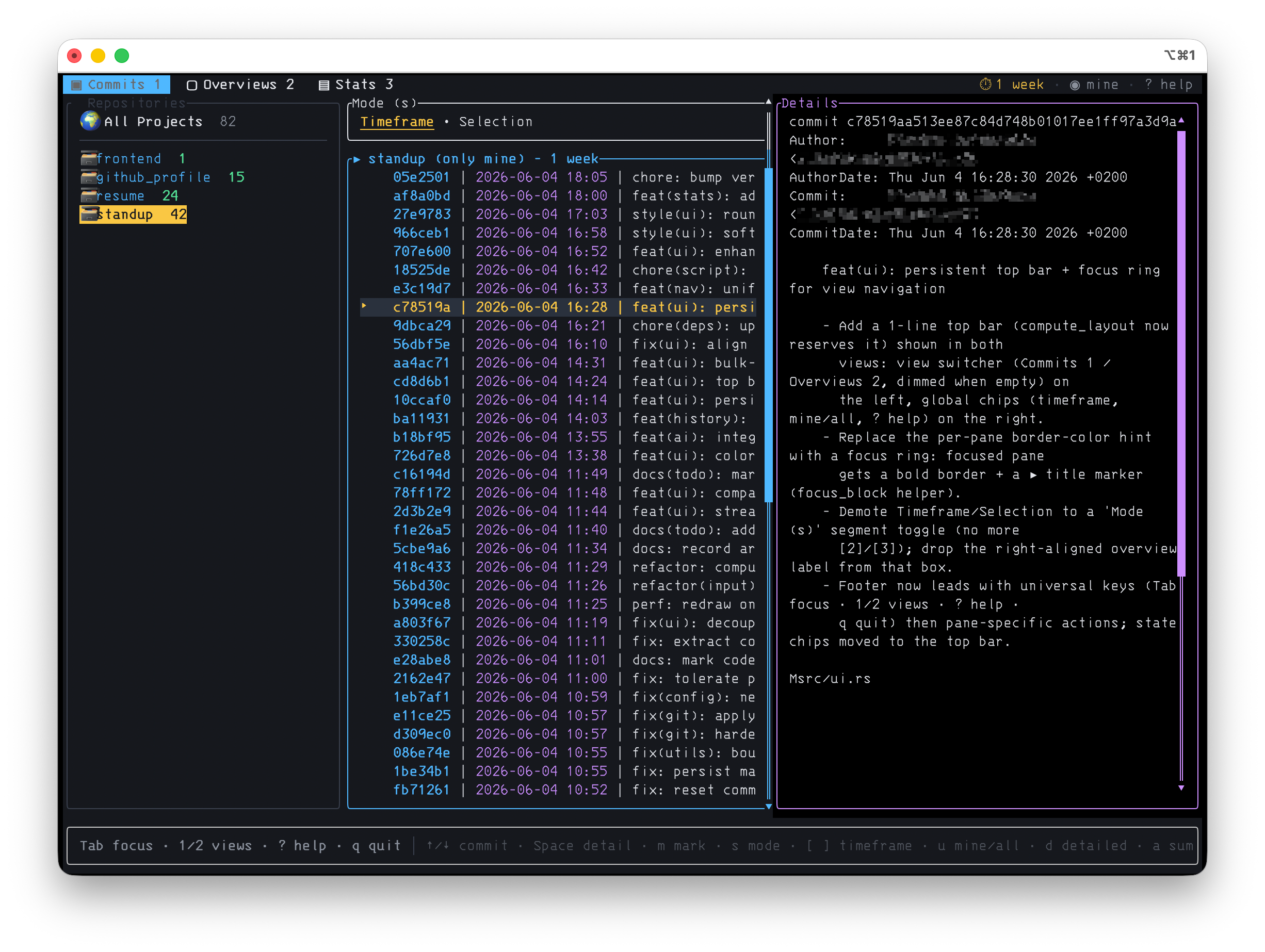
Mark commits with m or a whole repo, then summarize only the selection.
Custom prompts
Bring your own template with placeholders for project, interval & language.
Any language
Get the summary in English, German, or anything else via --lang.
Stats dashboard
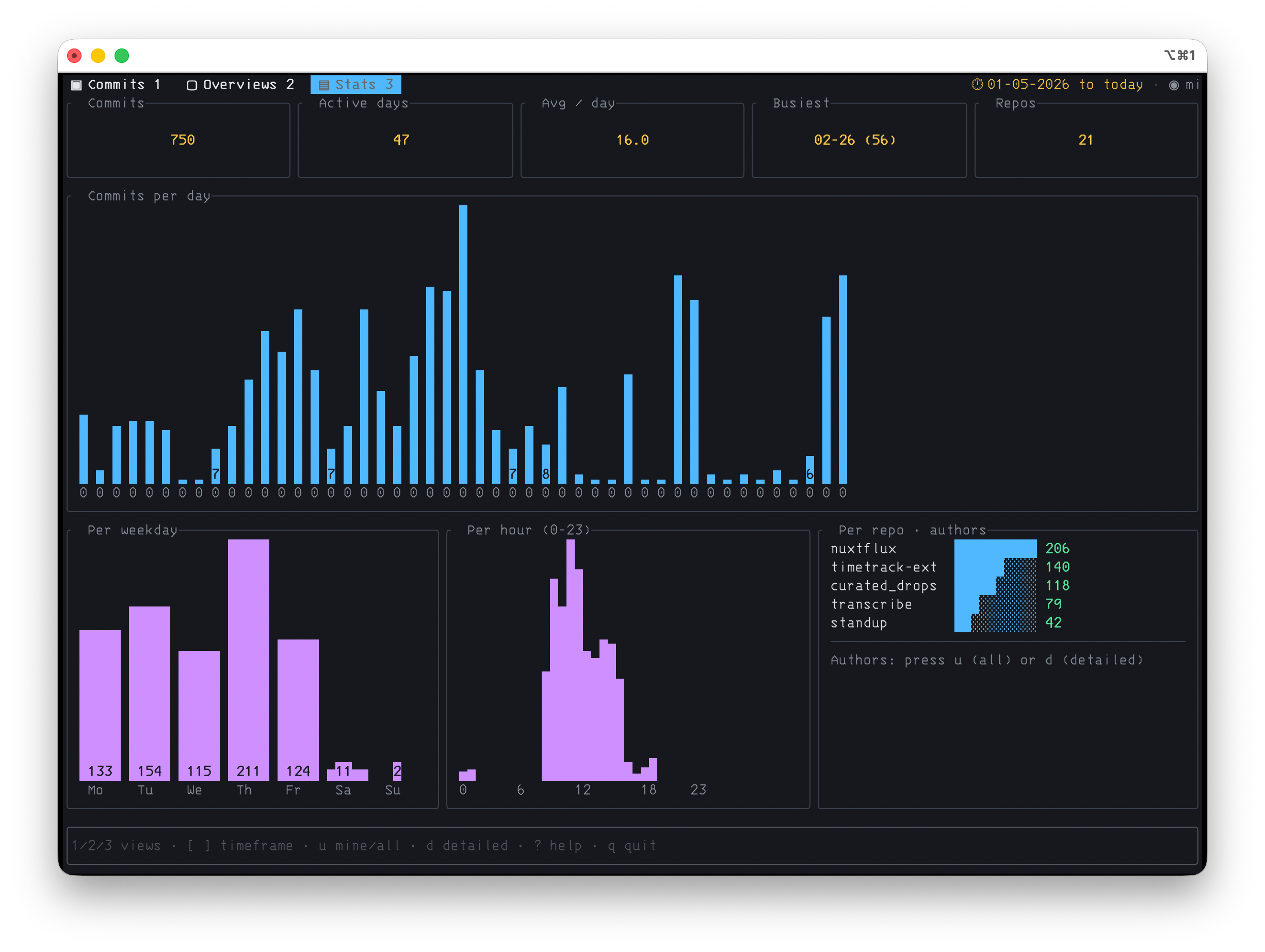
Per day, weekday & hour, busiest day, per-repo / author — plus commit-type & ticket breakdowns.
Consistent keymap
Home-row navigation, focus ring, and a built-in ? help overlay.
Direct output
--list and --generate print to stdout — pipe into files, the clipboard, or cron jobs.
Setup wizard
First-run wizard picks provider, model, key & language. Re-run anytime with --setup.
Screenshots
Three views — commits, saved overviews, and a stats dashboard. Click any shot to enlarge.
Up & running in a minute
# 1 · Install from crates.io (needs Rust)
#     installs the `whathaveidone` binary + a short `whid` alias
cargo install whathaveidone

# 2 · Run it — a first-run wizard sets up your
#     provider, model, API key & language
whathaveidone

# prefer env vars? skip the wizard:
export GEMINI_API_KEY=your-key-here

# reconfigure anytime
whathaveidone --setup

# last week, summarized in German
whathaveidone week --lang german
Go deeper
Direct mode, time intervals, providers & models, custom prompts, the full keymap, and every config option — it's all in the documentation.